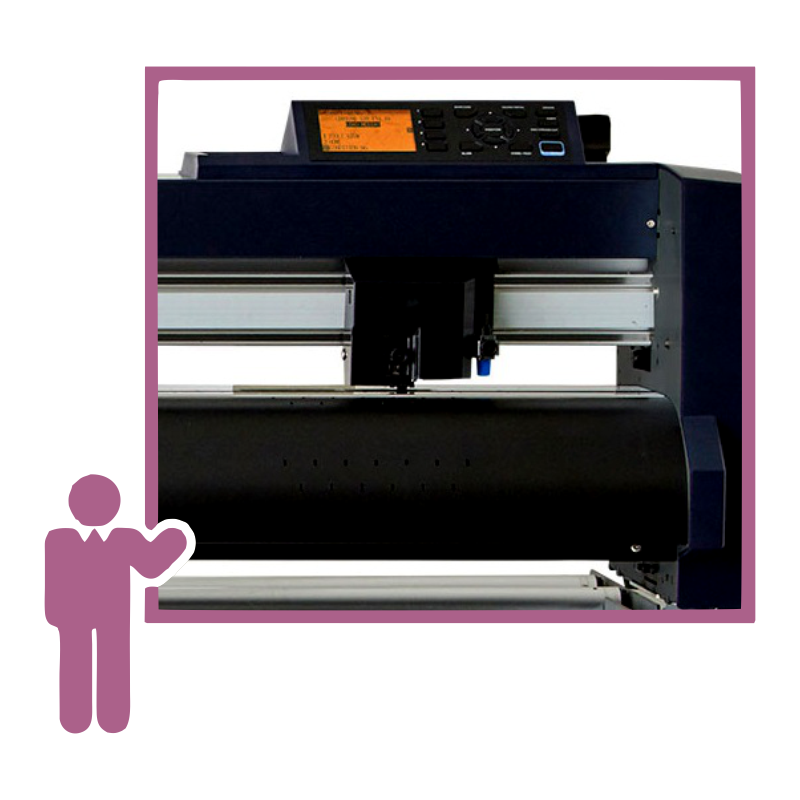
Cut Workflow Training
Cut Workflow Training delivers structured, hands-on instruction to help teams optimize their cutting equipment, software setup, and production processes. Whether delivered onsite at your facility or through a customized virtual session, this training focuses on real-world applications using your actual equipment and daily workflow.
From initial configuration to advanced production optimization, Cut Workflow Training equips operators, production managers, and technical staff with the knowledge required to improve efficiency, reduce errors, and maximize equipment performance.
Why Choose Cut Workflow Training
Cut Workflow Training improves productivity and strengthens operational confidence across your team.
- Hands-on instruction: Train using your exact equipment and software
- Workflow optimization: Streamline print-and-cut production processes
- Reduced waste: Improve setup accuracy and material usage
- Operator confidence: Strengthen daily production performance
- Customized curriculum: Tailored to your applications and goals
Onsite Custom User Training
Onsite Cut Workflow Training takes place at your facility and focuses directly on your equipment, media, and production environment.
What You Gain
- Equipment-specific instruction: Learn operation, configuration, and maintenance
- Live troubleshooting: Address real workflow challenges in real time
- Team participation: Allow each operator to gain practical experience
- Process improvement: Identify bottlenecks and optimize production
Onsite sessions provide direct engagement with your technician and hands-on experience for every team member. Travel expenses may apply depending on location and training duration.
Virtual Cut Workflow Training
Virtual Cut Workflow Training provides a flexible, cost-effective way to train teams regardless of location.
Key Benefits
- Accessibility: Participate from any location without travel
- Flexible scheduling: Select sessions that align with your production calendar
- Cost efficiency: Eliminate travel and venue expenses
- Time savings: Join sessions instantly without commuting
- Interactive engagement: Use live chat, polls, and collaborative tools
- Scalability: Train small teams or larger groups simultaneously
- Performance tracking: Monitor engagement and training effectiveness
- Personalized instruction: Focus on skill level and workflow needs
Virtual sessions may include live demonstrations, workflow reviews, and recorded modules for continued reference.
Applications
- Vinyl cutting workflows
- Print-and-cut production
- Tangential and drag knife optimization
- Software configuration and setup
- Media handling best practices
- Production troubleshooting
Who Benefits
- Sign shops
- Apparel decorators
- Wide format print providers
- Production managers
- Equipment operators
- Technical support teams
Training Outcomes
After completing Cut Workflow Training, teams typically achieve:
- Faster job setup times
- Improved cut accuracy
- Reduced material waste
- Increased equipment uptime
- More efficient production flow
- Greater operator confidence
FAQ
Is onsite training better than virtual training?
Onsite training delivers hands-on experience with your exact equipment, while virtual training provides flexibility and cost efficiency.
Can training be customized to our workflow?
Yes. Each session is tailored to your equipment, software, and production goals.
How long are training sessions?
Session length varies depending on scope, team size, and desired depth of instruction.
Do you cover both hardware and software?
Yes. Training includes cutter operation, configuration, maintenance, and software setup.
Optimize Your Cutting Workflow
Schedule Cut Workflow Training to strengthen your team’s performance and unlock greater efficiency from your cutting equipment.